
Digital Receipts Restaurant Guide: Speed, Savings, Loyalty

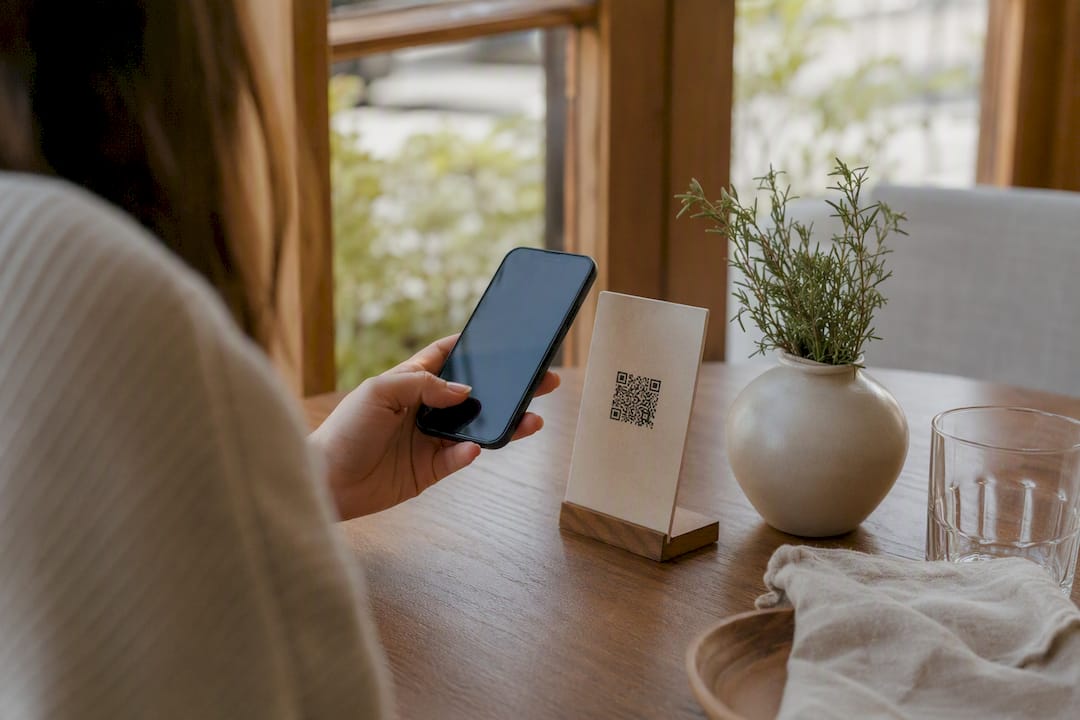
Adopt digital receipts now: they speed up checkout, cut printing costs, and unlock a stream of loyalty data your paper tape never gave you. Guests today expect to choose how they get their proof of purchase, typically email, SMS/text, a printed slip, or no receipt option. The fastest path to results starts with confirming whether your point-of-sale (POS) or payment terminal supports digital receipts.
Confirm compatibility with your current POS or terminal provider (Toast, Shift4, and Adyen all publish setup guides)
Enable the feature per device, not just at the account level, since tablets, handhelds, and countertop terminals often have separate toggles
Keep a print fallback active while staff and guests adjust to the new default
Key Takeaways
Digital receipts cut checkout time, reduce paper costs, and turn every transaction into a loyalty and marketing opportunity when configured correctly at the device level.
Point | Details |
Confirm POS support first | Check vendor docs (Toast, Shift4, Adyen) before enabling receipts device by device. |
Offer full delivery choice | Support email, SMS, print, and no-receipt options, with print always as fallback. |
Standardize tip and signature flow | Combine tip and signature prompts into one step to reduce missed tips. |
Track opt-in and redemption metrics | Measure opt-in rate, checkout time, repeat-visit lift, and offer redemption weekly. |
Pair receipts with guest profile tools | Mydigimenu’s QR menus and CRM integration extend receipt data into loyalty campaigns. |
Table of Contents
What Diners Actually Expect From a Restaurant Receipt Today
A digital receipt has to do everything a paper one did, plus a little more. Guests scanning a QR-code menu or tapping to pay expect a document that’s fast, accurate, and useful after they’ve left the table. If your current setup only emails a flat total with no breakdown, you’re behind what’s now considered baseline for restaurant billing solutions.
Run through this checklist against your own receipts, or hand it to a POS vendor as a spec:
Itemized order lines with menu item names, modifiers, quantities, and per-item pricing, not just a subtotal.
Clear tax and tip breakdown, shown as separate line items rather than folded into one number.
A visible tip prompt during checkout, with signature capture handled cleanly on screen or skipped entirely for contactless payments.
Delivery choice, meaning email, SMS, or print, with an always-available print option for guests who don’t want to share contact details.
Embedded links for feedback, loyalty program signup, or refund requests, placed where a guest will actually see them.
Business branding, including your name, address, phone number, and an order or reference number for dispute resolution.
Some point-of-sale platforms, including Lightspeed’s Restaurant K-Series, attach a formatted PDF to the receipt email and let you customize the branding and add a short message. That small touch makes the receipt feel like part of your restaurant’s identity instead of a generic payment confirmation.
Pro Tip: Put your loyalty signup link above the itemized list, not below it. Guests skim receipts for about five seconds; anything under the fold rarely gets clicked.
Why Digital Receipts Pay Off Operationally and Commercially
Faster checkout is the most immediate win. When a server doesn’t have to wait for a printer to spool a slip during a Friday dinner rush, tables turn faster and the line at the register moves. That speed compounds across a shift: shaving even a few seconds off each checkout adds up when you’re processing hundreds of transactions during peak hours.
The savings extend past speed:
Lower printing costs, since you’re no longer buying thermal paper rolls by the case
Less paper waste, which matters both for your bottom line and for guests who increasingly notice sustainability efforts
Fewer refund disputes, because an itemized digital receipt gives both the guest and your staff a clear, timestamped record of exactly what was ordered and charged
A direct channel for loyalty and marketing, since every digital receipt is an opportunity to capture an email or phone number with consent
Industry guidance increasingly frames digital receipts as a speed and convenience upgrade first, with environmental benefits as a secondary bonus. That reframing matters for how you pitch the change internally. A general manager skeptical about “going green” is often much easier to convince with a checkout-time argument.
There’s also a quieter revenue lever here: a well-placed tip prompt or a post-visit offer embedded in the receipt can lift average check size without a server ever mentioning it. Guests respond to a clean interface with clear percentage buttons far more consistently than to an awkward verbal ask.
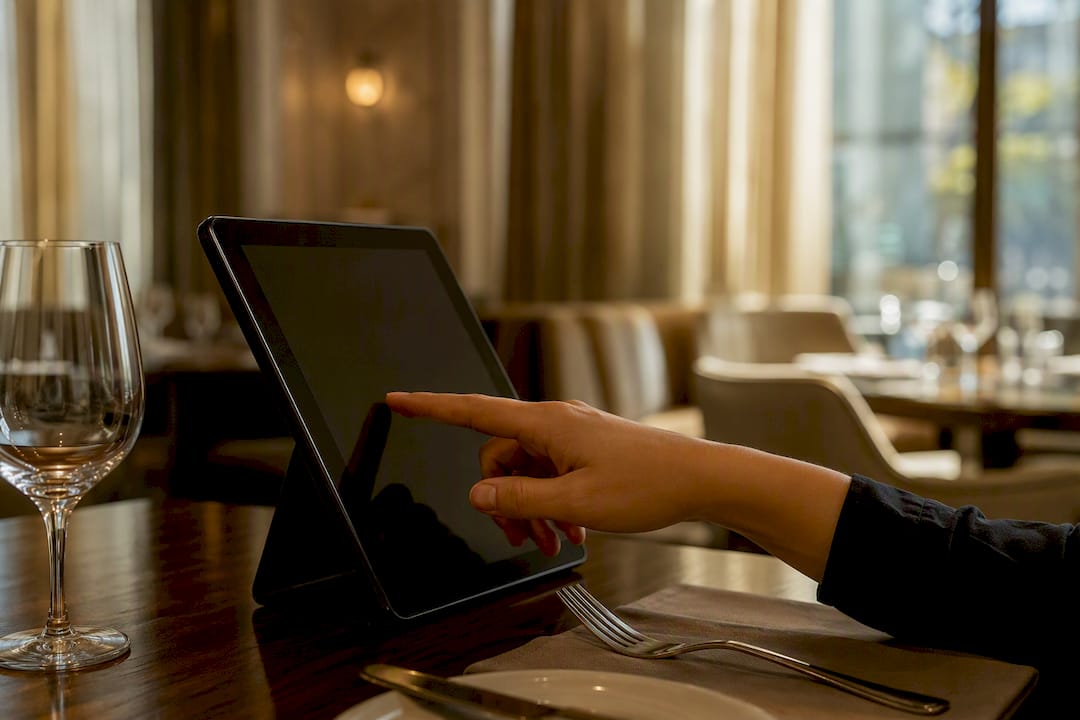
How Digital Receipts Connect to Your POS and Payment Terminals
Most of the real configuration work happens at the intersection of your point-of-sale system and your payment terminal, and the two don’t always share settings the way you’d expect. Digital receipt workflows generally let guests pick email, SMS/text, print, or no receipt, and the option list is typically controlled at the device level rather than the account level. That distinction trips up a lot of operators who assume flipping one switch in a back-office dashboard handles every terminal on the floor.
Here’s what to check across your hardware:
Account-level settings control defaults and branding, while device-level settings control which delivery options actually appear on that specific terminal or tablet.
Auto-fill for returning guests can pull a saved email or phone number from a customer profile, cutting a step out of checkout for regulars.
Tip and signature flow needs a consistent configuration across devices, plus manager-approval thresholds for adjusted tips or voided transactions.
Receipt payloads and webhooks from your payment processor are what actually trigger the send. Adyen’s terminal documentation describes a flow where the terminal prompts a returning customer, confirms whether they want a receipt, and generates one from a PaymentReceipt object tied to that transaction.
Stripe, for processors that route through it, can automatically send email receipts on successful payment and exposes a receipt URL through the API for custom workflows.
Integration Layer | What It Controls | Where to Check It |
POS account settings | Default delivery method, receipt branding, tax display | Back-office dashboard |
Device/terminal settings | Which delivery options appear at checkout | Terminal or tablet configuration menu |
Payment processor API | Receipt payload structure, auto-send triggers, receipt URLs | Vendor developer docs (Adyen, Stripe) |
One development worth watching: the Digital Receipt Protocol (DRP) is an open standard for encrypted, portable receipts that gives guests cryptographic ownership of their own purchase data and lets receipts flow into banking or wallet apps. It’s not yet universal, but it signals where receipt portability and privacy are heading, and it’s worth asking your POS vendor whether a DRP-compatible export is on their roadmap.
Rolling Out Digital Receipts: A Step-by-Step Checklist
Treat this like any other operational change: audit first, pilot small, then scale.
Audit your devices. List every terminal, tablet, and handheld across dine-in, takeout, and delivery, and confirm each one supports digital receipts per your vendor’s documentation.
Set your delivery defaults. Most operators do well with email as the primary option, SMS as a secondary choice, and print always available as a fallback for guests who decline both.
Standardize the tip and signature flow. Combining the tip prompt and signature screen into a single step, a pattern Toast’s configuration docs support, tends to reduce missed tips and speeds up quick-service checkout.
Train staff on the ask. Give servers a short, natural script for offering a digital receipt and collecting contact info. On handheld devices, the guest can often enter it themselves; at a fixed workstation, the server usually enters it on the guest’s behalf, a workflow difference Shift4 documents for its Dine terminals.
Pilot in one section or shift. Track opt-in rate, delivery success rate, average checkout time, and new loyalty signups before rolling out restaurant-wide.
Iterate. If opt-in is low, the ask or the placement of the prompt is usually the problem, not the technology.
Pro Tip: Run your pilot during a slower weeknight shift first. You want clean data on delivery success without the chaos of a Saturday rush masking real problems.
For a broader framework beyond receipts alone, Mydigimenu’s digitization checklist walks through sequencing changes like this across a full operation.
Turning Receipts Into Loyalty Signups and Repeat Visits
A receipt is the last thing a guest sees before they leave, which makes it one of the highest-attention marketing surfaces you own. A one-click loyalty enrollment link embedded in the receipt converts far better than asking a guest to download an app or fill out a form later, simply because the moment of intent (they just paid, they’re still standing there) is still fresh.
A few tactics worth building into your setup:
Embed a short feedback survey, two or three questions maximum, directly in the receipt to lift response rates over a separate follow-up email.
Use receipt metadata, like order time, party size, or items ordered, to trigger segmented campaigns (a lunch guest gets a different offer than a Saturday dinner party).
Push captured identifiers into your CRM so loyalty and marketing platforms can act on the same customer profile your POS created.
Track opt-in percentage, click-through rate on receipt offers, repeat-visit lift, and redemption rate as your core metrics; these tell you whether the receipt is actually driving return visits or just sitting in an inbox.
Designing the receipt as a marketing touchpoint, not just a transaction record, is the mindset shift that separates operators who see real loyalty growth from those who just digitized paper. For more on why that guest-experience lens matters beyond the receipt itself, Wild Foodz’s guide to guest experience breaks down how small touchpoints compound into repeat business.
Fixing the Most Common Digital Receipt Headaches
Most pushback on digital receipts comes down to a handful of recurring worries, and each has a straightforward fix.
Legal validity: digital receipts are generally accepted for guest-facing purposes, but check your state’s requirements for tax audit records and keep printed or digital archives long enough to satisfy them.
Consent and data retention: only collect what you’ll actually use, get clear opt-in for marketing (not just receipt delivery), and set a retention window rather than storing contact data indefinitely.
Tip or signature flow glitches: if guests report skipped tip screens, check that the combined tip/signature step wasn’t accidentally disabled during a POS update.
Failed delivery: log every send attempt so staff can spot a bounced email or failed text immediately and offer an instant reprint instead of leaving the guest without proof of payment.
Dispute resolution: itemized digital receipts stored with timestamps make it far faster to resolve a “I was charged for something I didn’t order” complaint than digging through carbon copies.
How Mydigimenu Fits Into a Digital-Receipt Workflow
Digital receipts work best as one link in a longer contactless chain, not a bolt-on afterthought. Mydigimenu’s QR-code menus, guest profile capture, and CRM integration are built to hand off cleanly into whatever receipt and loyalty flow you already run through your POS.
QR menu scan captures a guest profile through social login
Order routes through POS as usual, receipt sends via email or SMS
Guest profile feeds loyalty and post-visit marketing automatically
A small bistro switching from paper menus to QR ordering with guest profile capture typically sees faster table turns and a real jump in loyalty signups, simply because the guest is already engaging digitally before the check ever arrives.
Explore how QR-triggered ordering connects to the rest of your guest data pipeline.
What Actually Moves the Needle on Digital Receipts
Most advice on this topic treats digital receipts as a cost-cutting move: less paper, lower printing bills, done. That’s true, but it undersells what’s actually at stake. The bigger opportunity is the data exhaust every receipt generates, and most operators still throw that away by treating the receipt as a courtesy instead of a controlled marketing asset.

The conventional wisdom also overstates how hard this is to implement. Reading through vendor documentation from Toast, Shift4, and Adyen, the technical lift is genuinely small, usually a device-level toggle and a few configuration choices around tipping and delivery defaults. The harder part is behavioral: training staff to actually offer the digital option consistently, and designing the receipt itself so a guest wants to tap the loyalty link instead of ignoring it.
If you prioritize one thing first, make it the tip and signature flow. It’s the piece guests interact with directly, it affects revenue immediately, and it’s the fastest way to build trust in the new system before you layer marketing features on top.
— Abhi
Digital Receipts Are the Easiest Upgrade You Haven’t Made Yet
If you’re weighing whether to build this yourself through your POS vendor or find a platform that handles the guest-facing side end to end, Mydigimenu gives you a faster path than piecing together separate tools for menus, ordering, and guest data. Instead of juggling a POS receipt setting, a separate loyalty app, and a third tool for guest profiles, Mydigimenu connects QR-code ordering, guest profile capture, and CRM-driven marketing in one platform built specifically for restaurants, cafes, bars, and hotels.

That matters most for independent operators without a dedicated IT team to stitch integrations together. Mydigimenu’s digital tablet and iPad menu tools let you launch contactless ordering and guest engagement features without waiting on a custom POS integration project. If you’re already thinking about how to turn checkout into a loyalty moment, start by checking whether your current menu setup can capture a guest profile before the check even prints, and see what a QR-based rollout would look like for your floor.
Sources
Comments