
Digital table ordering: Enhance guest engagement

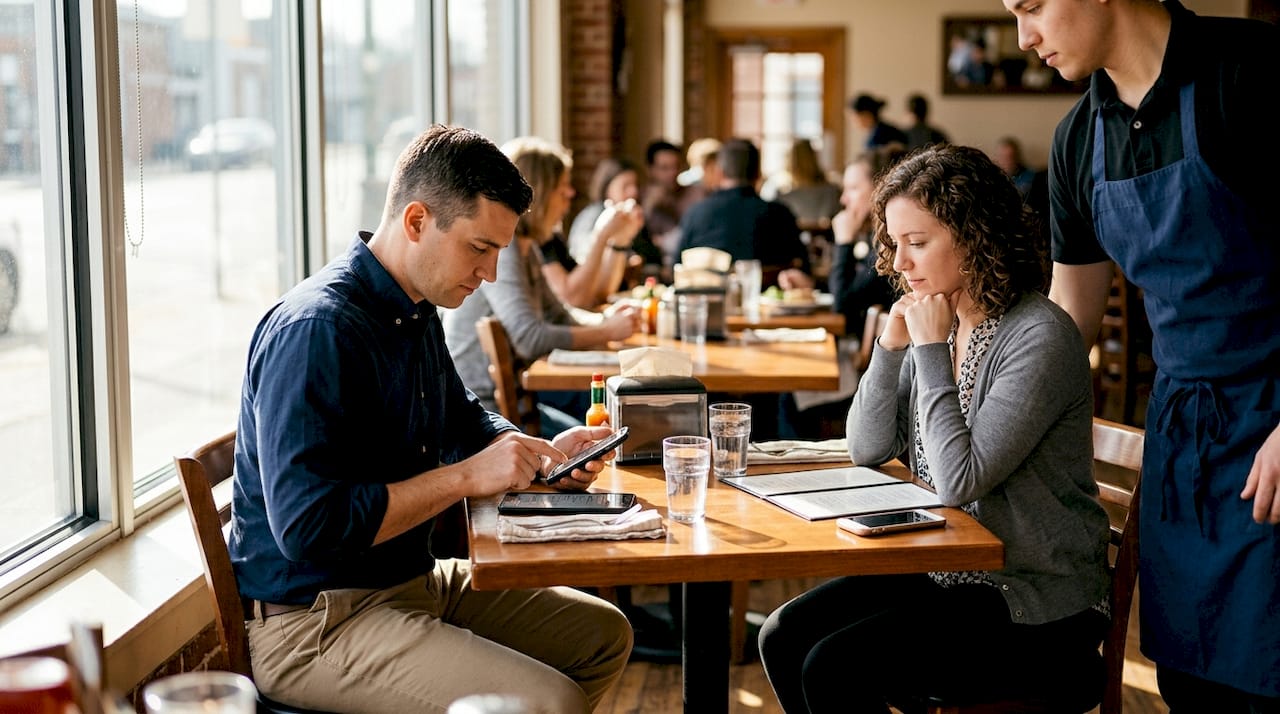
Many restaurant managers still think digital table ordering means swapping paper menus for a tablet and calling it done. The reality is far more powerful. Modern digital ordering systems connect your guests directly to your kitchen, your loyalty programs, your payment processing, and your marketing tools, all from a single device or QR code scan. This article breaks down exactly what digital table ordering is, why it matters for your bottom line, how it compares to traditional methods, and how to implement it without disrupting your team.
Table of Contents
Key Takeaways
Point | Details |
Contactless guest control | Digital table ordering empowers guests and keeps hygiene standards high. |
Operational efficiency | Managers can streamline workflows and reduce staff workload with digital systems. |
Loyalty and personalization | Future innovations will drive deeper guest engagement and repeat business. |
Easy integration steps | Adopting digital table ordering is straightforward when organized in clear steps. |
Enhanced guest satisfaction | Faster, more accurate ordering improves the overall dining experience. |
Understanding digital table ordering systems
Digital table ordering is a system where guests browse your menu, customize their order, and pay, all from their own phone, a table-mounted tablet, or a QR code they scan on arrival. No server needs to relay the order by hand. The software sends it directly to your kitchen display or POS system.
Here is what a complete digital ordering setup typically includes:
QR code menus that guests scan with any smartphone, no app download required
Tablet menu systems mounted at the table or handed to guests on arrival
Real-time menu management so you can update prices, 86 items, or add specials instantly
Integrated payment processing supporting cards, mobile wallets, and even cryptocurrencies
Kitchen display integration so orders flow directly to your team without a paper ticket
The digital ordering workflow eliminates the back-and-forth between server and kitchen that causes most order errors. Fewer errors mean fewer comped meals and faster table turns.
“Contactless ordering remains key post-pandemic for hygiene and guest control, giving diners the autonomy they now expect.”
The pandemic accelerated adoption, but the reasons guests prefer contactless go beyond hygiene. They want to order at their own pace, review nutritional information, and pay when they are ready, not when a server happens to walk by.
Key benefits for restaurant managers and guests
Digital ordering delivers measurable gains on both sides of the table. Your staff spend less time running orders and more time delivering hospitality. Your guests feel more in control of their experience.
Benefit | Impact on operations | Impact on guests |
Faster order placement | Reduces server trips per table | Less waiting, more browsing time |
Real-time menu updates | No reprinting costs | Always accurate information |
Upsell prompts | Increases average check size | Discovers options they might miss |
Loyalty integration | Captures repeat guest data | Earns rewards automatically |
Contactless payment | Speeds up table turnover | Pays when ready, no waiting |
Digital ordering improves guest control, operational efficiency, and staff safety simultaneously. That triple benefit is rare in hospitality technology.
Here is what managers consistently report after switching:
Higher average check values because digital menus surface add-ons and pairings at the right moment
Fewer order errors since guests enter their own customizations directly
Reduced staff stress during peak hours when order volume spikes
Better guest data captured through social login and loyalty program sign-ups
When you boost guest engagement through personalized digital experiences, repeat visit rates climb. Guests who feel recognized come back more often and spend more per visit.
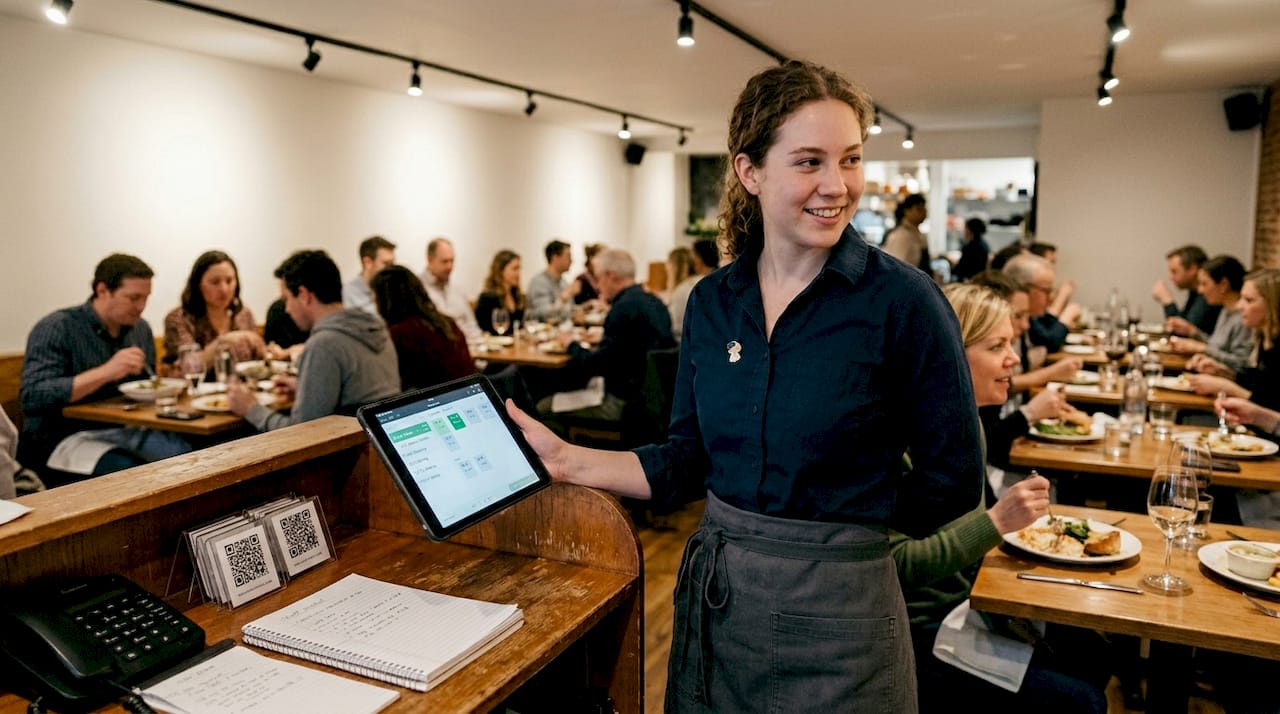
Pro Tip: Use your digital menu to promote high-margin items with food photos or short videos. Guests are significantly more likely to order a dish when they can see it. This is one of the fastest ways to improve restaurant efficiency without adding staff. Even restaurant coffee profitability improves when specialty drinks are displayed with appealing visuals and paired with dessert suggestions.
Digital table ordering vs. traditional systems
Traditional pen-and-paper or verbal ordering has served restaurants for decades, but it carries hidden costs that add up fast. A server mishearing an order, a menu that is out of date, or a guest who cannot flag someone down during a rush, these are friction points that digital ordering eliminates.
Here is a direct comparison:
Factor | Traditional ordering | Digital table ordering |
Menu updates | Reprint required, costly | Instant, no cost |
Order accuracy | Depends on staff | Guest-entered, fewer errors |
Upselling | Server-dependent | Automated prompts |
Guest wait time | Variable | Immediate order placement |
Loyalty integration | Manual punch cards | Automatic digital tracking |
Omnichannel reach | Table only | Table, online, delivery unified |
Implementation cost | Low upfront | Moderate, strong ROI |
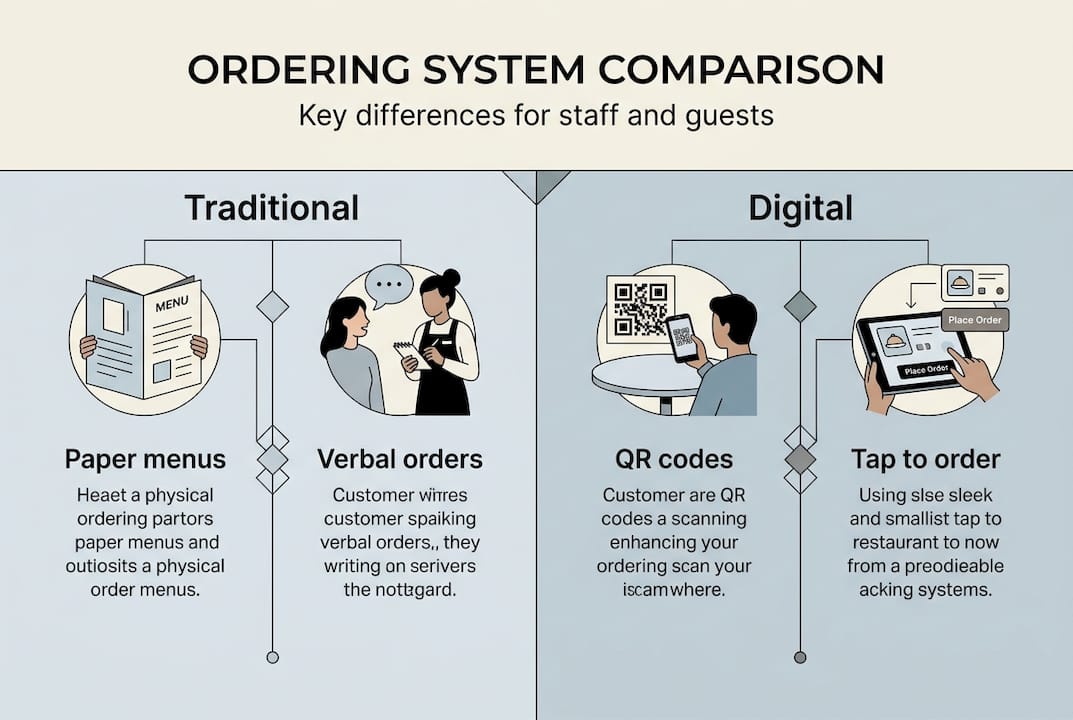
Digital ordering offers seamless omnichannel integration, connecting your dine-in, takeout, and delivery channels in ways traditional methods simply cannot match.
Here are the four clearest reasons to make the switch:
Accuracy improves immediately. Guests enter their own orders, so misheard requests and forgotten modifications drop sharply.
Menu flexibility becomes a competitive advantage. You can test new items, adjust pricing, or promote daily specials in seconds.
Guest data becomes actionable. Every order builds a profile you can use for targeted campaigns and loyalty rewards.
Revenue per table increases. Automated upsell prompts work consistently, unlike a rushed server during a Friday dinner rush.
Look at digital menu layout examples to understand how visual hierarchy and smart categorization drive higher order values. A well-structured menu design guide can help you translate your existing menu into a digital format that actually sells.
Implementing digital table ordering: Practical steps
Getting started does not require a full technology overhaul. Most modern platforms are designed to layer onto your existing operations with minimal disruption.
Follow these steps to implement effectively:
Audit your current setup. Identify your POS system, internet infrastructure, and whether you need tablets, QR codes, or both. Most venues start with QR codes because the cost is low and guests already have smartphones.
Choose a platform that integrates with your POS. Disconnected systems create more work, not less. Look for platforms that push orders directly to your kitchen display.
Digitize your menu with intention. Do not just copy your paper menu. Add photos, descriptions, allergen information, and upsell pairings. Learn how to create digital menus that are built to convert browsers into buyers.
Train your staff on the new workflow. Staff roles shift from order-takers to experience-enhancers. Train them to help guests who are unfamiliar with digital ordering and to focus on hospitality rather than logistics.
Communicate the change to guests. A small table card explaining how to scan and order removes hesitation. Most guests adapt within one visit.
Monitor, measure, and adjust. Track average check size, order accuracy, and guest feedback weekly. Use that data to refine your menu layout and upsell prompts.
Guests now expect contactless digital ordering as a baseline hygiene and efficiency standard, not a novelty. Venues that have not adopted it are increasingly seen as behind.
Pro Tip: Integrate your loyalty program from day one. Capturing guest profiles at the point of ordering is far easier than retrofitting loyalty later. A well-designed streamlining workflow connects ordering, payment, and loyalty in a single guest interaction.
Future trends in digital table ordering
Digital table ordering is not a static technology. The platforms evolving fastest are the ones adding intelligence and personalization on top of the ordering basics.
Here is what is shaping the next wave:
AI-driven menu recommendations that suggest dishes based on a guest’s past orders, dietary preferences, or even the time of day
Deep loyalty program linkage where every order automatically updates a guest’s rewards balance and triggers personalized offers
Seamless omnichannel experiences where a guest can start an order at the table, modify it via their phone, and pick up a takeout order the next day with the same profile
Continued contactless focus as hygiene expectations remain elevated and guests value autonomy over their dining pace
Cryptocurrency and alternative payment support expanding to meet the preferences of international and tech-forward guests
“AI personalization and deeper loyalty integration are shaping the future of digital ordering, moving it from a transaction tool to a relationship-building platform.”
The venues that will win long-term are those treating digital ordering as a guest relationship tool, not just an efficiency play. Explore guest engagement trends to see how leading restaurants are already using data from digital ordering to personalize every visit. Even in adjacent categories, like hospitality coffee programs, the shift toward personalized, data-informed service is accelerating.
Explore digital table ordering solutions for your restaurant
If you are ready to move beyond paper menus and disconnected POS systems, MyDigiMenu.com offers a full suite of tools built specifically for restaurants, cafes, bars, and hotels. From QR code menus that guests access instantly on their phones to fully branded restaurant digital tablet menus, every solution is designed to reduce friction and increase revenue.

The QR menu generator lets you launch a contactless menu in minutes, with no app download required for your guests. Built-in loyalty programs, CRM integration, and real-time menu management mean you are not just replacing paper, you are building a smarter operation. Visit MyDigiMenu.com to see how restaurants like yours are using digital ordering to grow check averages, reduce errors, and keep guests coming back.
Frequently asked questions
How does digital table ordering improve guest satisfaction?
Digital ordering gives guests more control over their pace and choices, reducing wait frustration and increasing the likelihood of a return visit. Guests who feel in control of their experience consistently rate it higher.
Is digital table ordering costly to implement?
Initial costs vary by platform and hardware choice, but digital systems improve efficiency and ROI quickly through higher check averages, fewer order errors, and reduced labor overhead. QR code-based systems are especially low-cost to launch.
Do guests prefer QR codes, tablets, or phone-based ordering?
Preferences vary by demographic and venue type, so offering guests control and choice across multiple digital formats maximizes comfort and adoption rates. Many platforms let you run QR codes and tablets simultaneously.
How does digital table ordering help with hygiene and staff safety?
Contactless ordering remains key for minimizing physical touchpoints between guests and staff, supporting hygiene standards that guests now expect as a baseline rather than a bonus.
Recommended
Comments