
Streamline your restaurant's digital ordering workflow

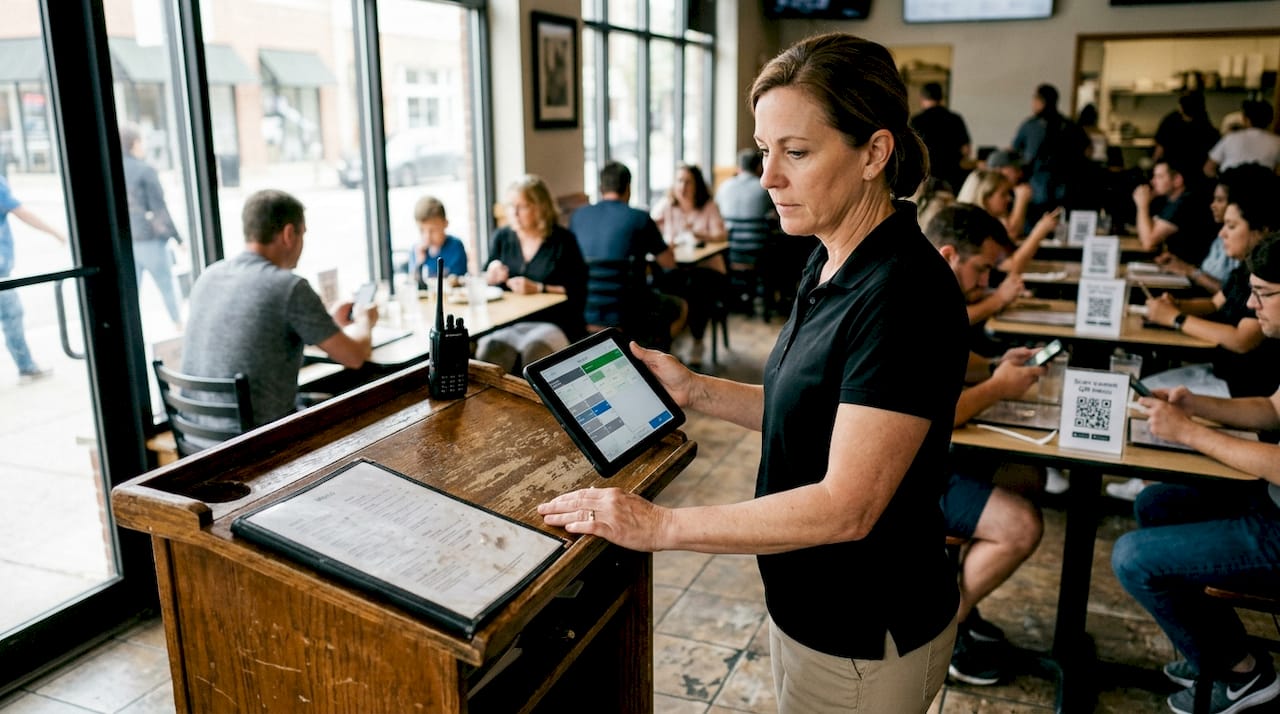
Managing a busy restaurant means juggling orders, staff coordination, and guest satisfaction all at once. When your ordering system creates bottlenecks instead of smooth service, you lose time, revenue, and customer loyalty. Digital ordering workflows solve these challenges by automating processes, reducing errors, and empowering guests to order at their own pace. This comprehensive guide walks you through preparing, implementing, and optimizing a digital ordering system that transforms your restaurant operations and elevates the guest experience.
Table of Contents
Key Takeaways
Point | Details |
Operations audit | Conduct a full walk through of the current order flow from guest arrival to payment to identify bottlenecks and document every touchpoint. |
Tech stack integration | Plan a compatible tech stack with a QR menu, tablets, a connected POS, and kitchen display systems for real time routing. |
Staff training and pilots | Conduct hands on training and run a pilot on a few tables to uncover issues before full deployment. |
Menu and network readiness | Export and optimize menu data for digital display with clean pricing and imagery, and verify network capacity before launch. |
Preparing your restaurant for a digital ordering workflow
Before launching any digital ordering system, you need a clear picture of your current operations. Walk through your existing order flow from guest arrival to payment. Identify where orders get lost, where staff spend excessive time, and where mistakes happen most frequently. Document every touchpoint because these pain points guide your digital solution requirements.
Your technology stack forms the foundation of your new workflow. Choosing the right digital menu platform significantly impacts integration ease and operational efficiency. You need several core components working together. A QR menu system lets guests scan codes at tables to browse offerings on their phones. Digital tablet iPad menu solutions provide dedicated devices for tableside ordering. Your point-of-sale system must connect seamlessly with these digital channels to route orders correctly. Kitchen display systems replace paper tickets with digital screens that update in real time.
Compare your options carefully before committing:
Solution type | Best for | Key advantage | Integration complexity |
QR code menus | Quick-service and casual dining | Zero hardware costs, instant deployment | Low, works with existing phones |
Tablet menus | Full-service restaurants | Rich media presentation, guided upselling | Medium, requires device management |
Mobile app ordering | Chain restaurants with loyalty programs | Deep customer data, personalized marketing | High, requires app development |
Hybrid systems | Multi-concept venues | Flexibility across service styles | Medium, unified backend needed |
Staff training determines whether your technology succeeds or collects dust. Schedule hands-on sessions where team members practice taking orders, handling modifications, and troubleshooting common issues. Create simple reference guides with screenshots for quick problem solving during service. Assign tech-savvy staff as champions who can help colleagues when questions arise.
Pro Tip: Run a pilot test with your digital ordering system on just two or three tables during slower shifts. This controlled environment lets you catch problems, refine processes, and build staff confidence before full deployment.
Your menu content needs optimization for digital display. High-quality photos increase order values, but they must load quickly on guest devices. Write descriptions that highlight ingredients, preparation methods, and flavor profiles in 2-3 concise sentences. Organize items into logical categories that match how guests think about meals, not how your kitchen is structured. Price everything clearly with no hidden fees that surprise guests at checkout.
Network infrastructure often gets overlooked until launch day. Your WiFi must handle dozens of simultaneous connections without slowdowns. Guest-facing networks need simple passwords or one-click access. Back-of-house systems require dedicated bandwidth so kitchen screens never freeze during rush periods. Test your network under load before going live.
With the groundwork laid, we now move to executing the digital ordering setup step by step.
Implementing your digital ordering workflow: step-by-step guide
Digitizing your menu is the first concrete action. Export your current menu to a spreadsheet with columns for item names, descriptions, prices, categories, dietary tags, and image filenames. Clean up inconsistencies in naming and pricing. Upload this data to your chosen platform, then add professional photos for every item. Preview how menus display on phones, tablets, and desktop screens to ensure readability.
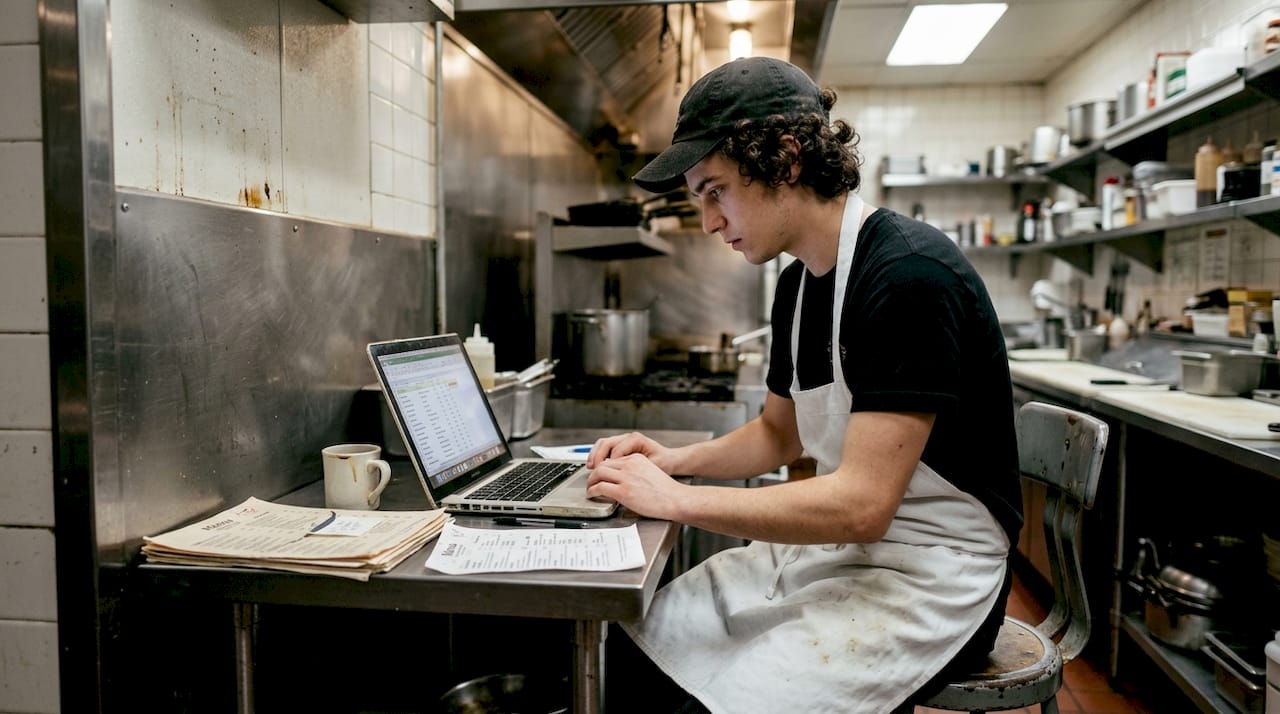
Next, configure your ordering rules and workflows. Set up modifiers for customizations like cooking temperatures, side dishes, and add-ons. Define which items can be ordered together and which require kitchen approval. Establish minimum and maximum quantities for each menu item. Create special instructions fields so guests can communicate preferences.
Integrating your QR menu generator with table management comes third. Generate unique QR codes for every table, bar seat, and ordering station. Print these codes on durable materials that withstand spills and cleaning. Place codes prominently where guests naturally look when seated. Link each code to the correct table number so orders route to the right location.
Connecting your online delivery portal integration requires careful attention to detail. Integrating online delivery portals with POS systems enhances order accuracy and operational speed. Map menu items between your POS and each delivery platform so names and prices match exactly. Set up automatic inventory syncing to prevent overselling items that run out. Configure delivery zones, fees, and estimated prep times. Test orders from each platform to verify they appear correctly in your kitchen.
Your POS integration is the central nervous system of your digital workflow. Configure your e menu digital system to send orders directly to the POS without manual entry. Set up separate revenue centers for dine-in, takeout, and delivery so reporting stays clean. Enable real-time menu updates so changes made in your POS instantly reflect across all ordering channels. Create user permissions that control who can modify menus, process refunds, and access sales data.
Compare these implementation approaches:
Method | Setup time | Staff learning curve | Guest adoption rate | Ongoing maintenance |
QR code only | 1-2 days | Minimal, guests self-serve | High, familiar to most diners | Very low, automatic updates |
Tablet-assisted | 1 week | Moderate, requires device training | Medium, staff guides process | Medium, device management needed |
Full mobile app | 2-3 months | High, complex backend | Low initially, grows with marketing | High, regular app updates required |
Phased rollout | 2-4 weeks | Gradual, reduces overwhelm | High, allows adjustment period | Low, issues caught early |
Payment processing integration closes the loop. Connect your digital ordering system to your payment processor so guests can pay directly through their devices. Enable multiple payment methods including credit cards, digital wallets, and contactless options. Set up automatic tip prompts with suggested percentages. Configure receipt delivery via email or SMS.
Pro Tip: Monitor your system constantly during the first week of full deployment. Assign a manager to watch for failed orders, payment errors, and guest confusion. Keep a log of issues with timestamps so you can identify patterns and implement permanent fixes quickly.
Once your system is live, let’s discuss how to verify the workflow’s effectiveness and address common pitfalls.
Verifying and optimizing your digital ordering workflow
Data collection starts the moment your first digital order comes through. Track key performance indicators that reveal workflow health. Measure average order time from placement to kitchen receipt. Calculate order accuracy rates by comparing what guests ordered versus what the kitchen prepared. Monitor table turn times to see if digital ordering speeds service. Record payment processing speeds and error rates.
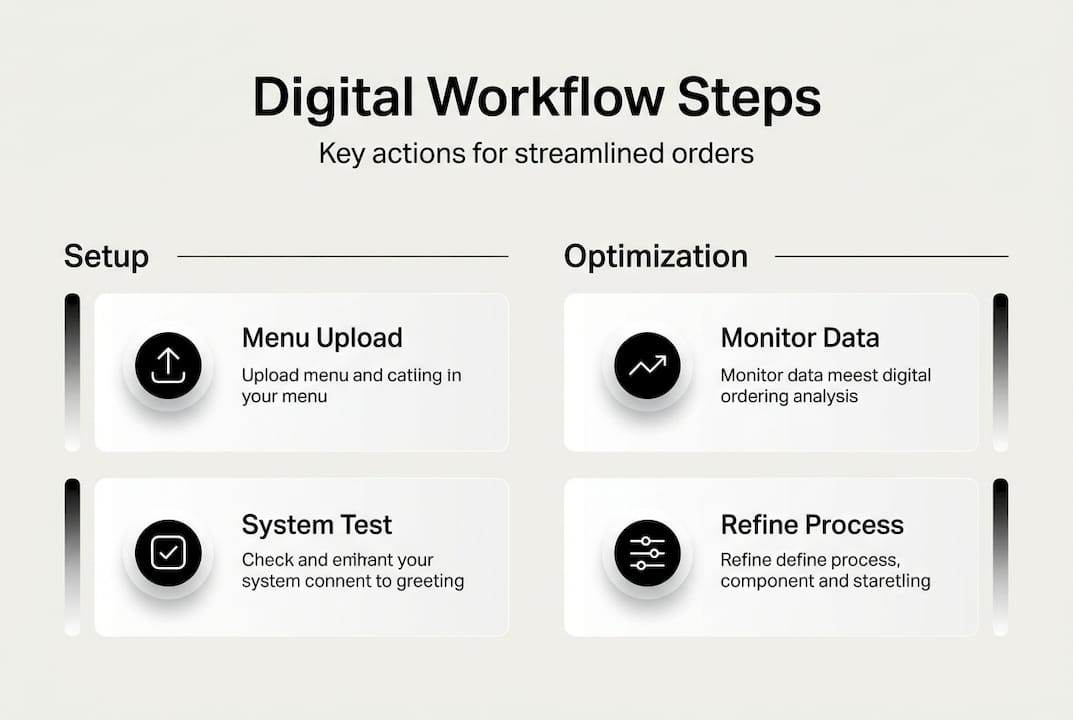
Guest feedback provides qualitative insights that numbers miss. Continuous monitoring and guest feedback are key to operational success with digital ordering workflows. Add a simple feedback form at the end of the digital ordering process. Ask specific questions about ease of use, menu clarity, and overall satisfaction. Review comments weekly to spot recurring complaints or suggestions. Respond to negative feedback quickly to prevent reputation damage.
Common digital ordering mistakes sabotage even well-planned implementations:
Overcomplicating the menu structure with too many nested categories that frustrate hungry guests trying to find items quickly
Neglecting mobile optimization so menus load slowly or display poorly on phones, which most guests use for QR code ordering
Forgetting to update menu availability in real time, leading to orders for sold-out items and disappointed customers
Skipping staff training on how to assist guests who struggle with technology, creating service gaps and frustration
Ignoring network capacity planning, resulting in system crashes during peak hours when you need reliability most
Failing to test the complete order flow from multiple devices and browsers before launch day
Troubleshooting requires systematic approaches. When orders fail to reach the kitchen, check network connectivity first, then verify POS integration settings. If guests complain about confusing menus, conduct usability testing with real customers and simplify navigation. When payment processing errors spike, contact your processor immediately to investigate gateway issues. Document every problem and solution in a knowledge base so staff can resolve issues independently.
Optimization never stops because guest expectations and technology evolve constantly. Review your workflow monthly using a structured checklist. Analyze which menu items get ordered most through digital channels and feature them prominently. Identify bottlenecks where orders pile up and redesign those processes. Test new features like personalized recommendations or loyalty program integration. Benchmark your performance against industry standards to identify improvement opportunities.
Pro Tip: Schedule quarterly staff review sessions where your team shares observations about the digital ordering workflow. Front-of-house staff notice guest behavior patterns, while kitchen staff spot operational inefficiencies. Their frontline insights drive meaningful improvements that management might miss.
A/B testing reveals what actually works versus what you assume works. Try different menu layouts and measure which generates higher order values. Test various photo styles to see what drives more orders. Experiment with description lengths and formats. Change button colors and placements to optimize conversion rates. Let data guide decisions instead of opinions.
Having established a robust and optimized workflow, consider how digital solutions fit within your broader restaurant operations.
Integrating digital ordering workflows with overall restaurant operations
Digital ordering creates ripple effects throughout your entire operation when properly integrated. Your restaurant reservations and table management system should connect with ordering data to predict busy periods and staff accordingly. When the system knows a large party ordered appetizers 10 minutes ago, it can alert servers that entrees will be needed soon. This coordination eliminates awkward timing gaps and keeps guests happy.
Kitchen management transforms with digital workflow integration. Orders flow directly to kitchen display systems organized by station and priority. Prep times for each dish inform the system when to fire items so everything reaches the table hot and together. Inventory management connects to ordering patterns, automatically flagging low-stock items and suggesting reorder quantities. Recipe costing updates in real time as ingredient prices change, helping you maintain target margins.
Customer engagement deepens when you capture data from digital orders. Guest profiles track preferences, allergies, and order history. Your CRM uses this information to send personalized promotions for favorite dishes. Loyalty programs automatically award points for digital orders, encouraging repeat visits. Marketing campaigns target specific customer segments based on ordering behavior and spending patterns.
Operational areas positively impacted by digital ordering integration include:
Staff scheduling becomes more accurate when you predict order volumes based on historical digital ordering data and upcoming reservations
Menu engineering improves as you analyze which items get ordered together and optimize pairings for higher average checks
Waste reduction happens when real-time inventory tracking prevents over-prepping ingredients that spoil before use
Labor cost control tightens because digital ordering reduces the need for dedicated order-takers during peak periods
Quality control strengthens when kitchen display systems include photos and detailed preparation instructions for every dish
Financial reporting gains granularity with automatic categorization of sales by channel, time period, and menu category
Supply chain coordination extends your digital workflow beyond your four walls. When your ordering system connects with suppliers, you can automate reordering for frequently used ingredients. Private label coffee services and other specialty suppliers often provide API integrations that sync inventory levels. This connection prevents stockouts of signature items that define your brand.
Multi-location operators gain enterprise-level benefits from integrated digital workflows. Standardize menus, pricing, and promotions across all locations while allowing local customization. Compare performance metrics between sites to identify best practices and struggling units. Roll out new menu items systematically with built-in feedback collection. Centralize purchasing to negotiate better supplier terms based on combined volume.
With a fully integrated system, let’s explore how MyMenu’s digital solutions can support your workflow journey.
Enhance your digital ordering experience with MyMenu solutions
MyMenu delivers the complete digital ordering infrastructure your restaurant needs to compete in today’s market. Our digital tablet and iPad menus showcase your dishes with stunning visuals and intuitive navigation that guests love. The QR menu generator deploys contactless ordering in minutes without expensive hardware investments. Seamless online delivery portal integration connects your operation with major delivery platforms while maintaining centralized control over menus and pricing. Everything works together through a unified dashboard that simplifies management and provides actionable insights. Explore our flexible pricing plans designed for restaurants of every size, from independent cafes to multi-location chains.

Now, let’s address common questions managers have when implementing digital ordering workflows.
Frequently asked questions about digital ordering workflows
What are the common challenges when implementing a digital ordering workflow?
The biggest hurdles include staff resistance to new technology, initial setup complexity, and guest adoption rates. Many team members worry digital systems will replace their jobs rather than make work easier. Technical integration between your POS, kitchen systems, and ordering platform often requires vendor coordination and troubleshooting. Some guests, particularly older demographics, prefer traditional ordering methods and need patient assistance. Budget constraints can limit which features you implement initially, requiring phased rollouts that extend timelines.
How can I best train my staff on new digital ordering systems?
Start training two weeks before launch with hands-on practice sessions using real menu items and scenarios. Create simple visual guides with screenshots that staff can reference during service without leaving the floor. Assign tech-comfortable employees as peer mentors who provide immediate help when questions arise. Run practice shifts where staff take digital orders from each other to build confidence. Schedule follow-up training sessions monthly to introduce new features and address ongoing questions.
What are the most common technical issues with digital ordering software?
Connectivity problems top the list, with WiFi dropouts causing orders to fail mid-transaction. POS integration errors create duplicate orders or send items to wrong kitchen stations. User interface bugs on certain devices or browsers prevent guests from completing orders. Payment processing failures frustrate guests ready to pay and leave. Menu sync issues result in outdated pricing or availability information across channels. Most problems resolve quickly with vendor support, but having backup procedures prevents service disruptions.
How can digital ordering improve guest engagement?
Digital systems eliminate wait times for server attention, letting hungry guests order immediately upon seating. Rich media like photos and videos help guests make confident choices, reducing order regret and returns. Personalized recommendations based on order history create tailored experiences that feel special. Loyalty program integration rewards repeat visits automatically without requiring separate cards or apps. Reduced order errors mean guests get exactly what they wanted, building trust and satisfaction. Faster table turns during busy periods mean shorter waits for incoming guests.
How often should I review and optimize my digital ordering workflow?
Conduct thorough monthly reviews examining key metrics like order accuracy, average order value, and system uptime. Weekly quick checks identify emerging issues before they become serious problems. Quarterly deep dives should include staff feedback sessions, guest survey analysis, and competitive benchmarking. Annual strategic reviews assess whether your current platform still meets evolving business needs or if migration makes sense. Technology and guest expectations change rapidly, so continuous adaptation keeps your workflow competitive and efficient.
Recommended
Restaurant workflows only stay smooth when the practical side is handled properly, and that goes way beyond taking orders. I think itemit software fits that same mindset because it helps keep track of the equipment and assets a business depends on every day. I like systems that stop small problems from piling up in the background. When you know what you have and where it is, the whole operation feels less scrambled and a lot easier to manage.