
Step-by-step restaurant ordering: boost efficiency and guest delight

TL;DR:
Digital ordering increases sales by 12-22% and reduces labor costs by 15%.
Proper hardware, training, and consistent processes are essential for successful implementation.
Focusing on a simple, familiar digital interface enhances guest confidence and operational efficiency.
Picture this: a packed Saturday dinner service, three servers juggling twelve tables, and a guest order that gets lost somewhere between the notepad and the kitchen printer. Frustration builds, food comes out wrong, and a once-loyal customer writes a scathing review before the dessert menu even arrives. Traditional pen-and-paper ordering cycles are riddled with these costly mistakes, and the ripple effects touch everything from labor costs to guest loyalty. The good news? A well-structured digital ordering process can eliminate most of these friction points. Digital ordering boosts sales 12-22% while cutting labor costs by 15%, making the switch a clear win for any forward-thinking restaurant manager.
Table of Contents
Key Takeaways
Point | Details |
Start with essentials | Gather hardware, stable internet, and clear digital menus before rolling out digital ordering. |
Follow clear steps | Implement a simple, step-by-step workflow from guest arrival to payment for maximum efficiency. |
Prepare for challenges | Address Wi-Fi issues, guest confusion, and staff retraining early for a smoother transition. |
Track improvements | Regularly measure order volume and guest satisfaction to fine-tune your system. |
Simplicity drives success | Consistent, easy-to-use processes keep guests happy and boost your bottom line. |
What you need before you start
With those benefits in mind, let’s get clear on what’s needed for a seamless digital rollout. Rushing into implementation without a solid foundation is one of the most common mistakes managers make, and it turns what could be a smooth launch into a stressful scramble.
Hardware and software essentials
Before guests ever scan a QR code or tap a tablet screen, your back-end setup needs to be rock-solid. Here’s what to check off your list:
Stable Wi-Fi coverage across every dining zone, including patios and private rooms
Tablets or smartphones for table-side ordering if you’re running a hybrid model
POS integration that communicates in real time with your kitchen display system
A digital menu platform that supports allergen icons, high-quality food images, and multilingual options
QR code materials such as table tent cards, stickers, or printed inserts
Backup power strips or charging stations for tablet-based setups
Requirement | Traditional setup | Digital setup |
Order accuracy | Variable, error-prone | High, guest-confirmed |
Menu update speed | Days (reprint required) | Minutes (platform update) |
Labor dependency | High | Reduced by up to 15% |
Guest autonomy | Low | High |
Setup cost | Low upfront, high ongoing | Moderate upfront, low ongoing |
Understanding the benefits of a digital menu before committing to a platform helps you ask the right questions during vendor demos and avoid costly surprises down the road.
Visual assets and content preparation
Your menu content is the heart of the digital experience. Crisp, mouthwatering food photography, accurate allergen icons, and concise descriptions make the difference between a guest who orders confidently and one who flags down a server for clarification anyway. Build a shared folder of approved images, descriptions, and dietary tags before you go live. Inconsistent or missing visuals undermine trust and slow down the ordering process you’re trying to speed up.
Personnel training plan
Staff are your most important implementation asset. Even the most intuitive online ordering system guide won’t replace a confident host who can walk a hesitant guest through their first scan. Build a two-day training block that covers platform navigation, common guest questions, and basic troubleshooting. Role-play scenarios work especially well here because they let staff practice without the pressure of a live service environment.
Pro Tip: Pilot the system on a single section or just four to six tables during a quieter service period before going venue-wide. This approach surfaces technical hiccups and staff hesitation in a controlled setting where the stakes are low and the lessons are high.
Step-by-step digital ordering process
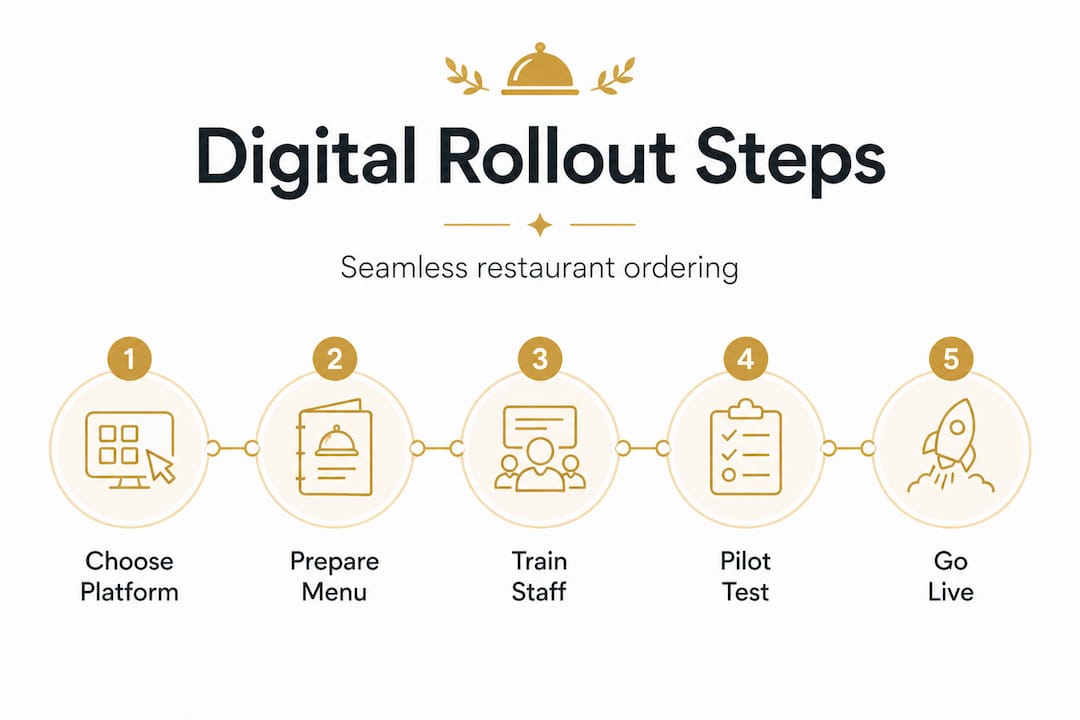
Once you’re equipped, follow this sequence for a smooth transition. Think of each step as a gear in a well-oiled machine. Skip one and the whole mechanism grinds.
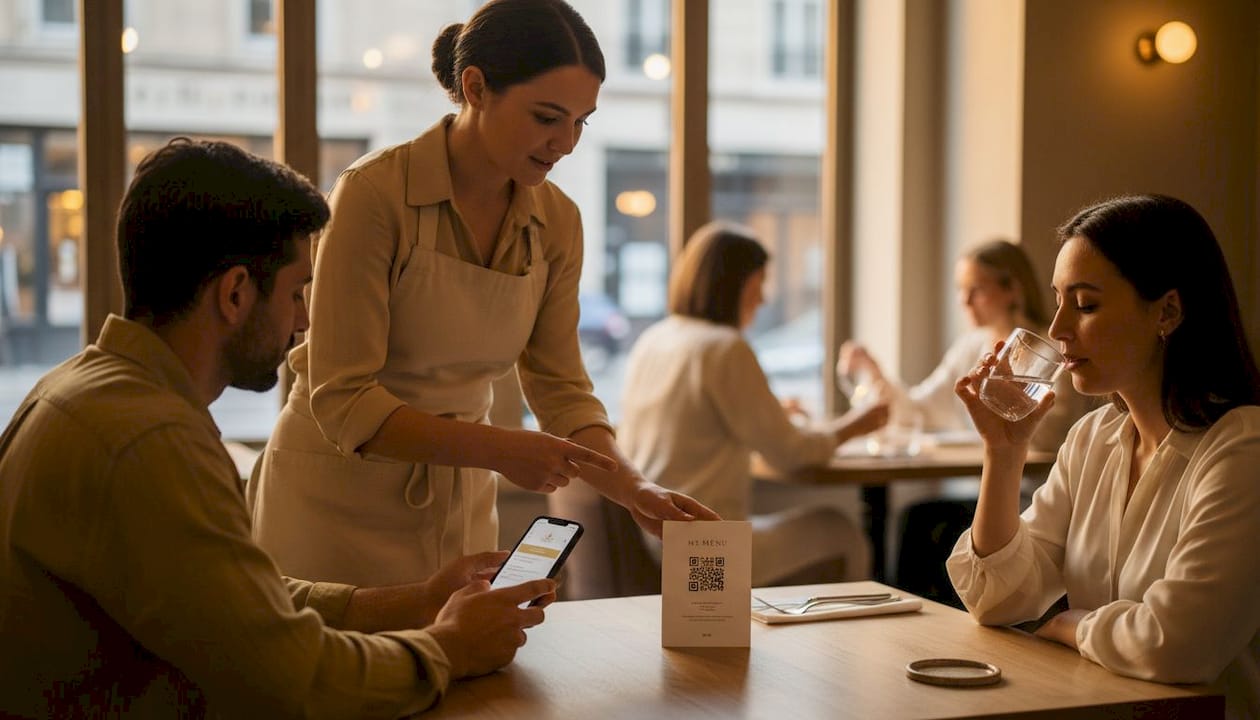
Traditional vs. digital workflow: a side-by-side view
Stage | Traditional workflow | Digital workflow |
Menu delivery | Physical menu handed to guest | QR code scanned or tablet presented |
Order capture | Server writes on notepad | Guest selects on screen, order auto-sent |
Order transmission | Server relays verbally or via POS | Instant digital push to kitchen display |
Payment | Server processes check manually | Guest pays via integrated payment gateway |
Feedback | Rarely collected | Prompted automatically post-meal |
This comparison makes it visually obvious why digital ordering boosts sales by 12-22% and handles 25% more peak volume compared to traditional methods. The efficiency gains aren’t theoretical. They show up immediately in table turnover rates and ticket accuracy.
The six-step implementation sequence
Configure your digital menu platform. Upload your full menu, assign categories, add allergen tags, and set pricing. Test every item on both mobile and tablet views to confirm the layout reads cleanly.
Set up QR codes or tablets at each table. For QR-based systems, place a table card or sticker at eye level. For tablet systems, mount or position them so they’re easily accessible without dominating the table surface.
Walk staff through the guest journey. Every team member should be able to demonstrate the ordering process from scan to confirmation in under sixty seconds. This builds confidence and ensures hosts can assist guests without hesitation.
Open the floor to guests. During the first few services, station a team member near the entrance to greet guests and briefly explain the digital ordering process. A thirty-second demo dramatically reduces confusion and abandoned sessions.
Connect orders to your POS and kitchen display system. Real-time integration means the kitchen sees orders the moment guests submit them, eliminating the verbal relay that causes so many errors. Reviewing solid digital ordering workflow tips before you configure this integration saves hours of back-end troubleshooting.
Activate integrated payment options. Whether guests prefer credit cards, mobile wallets, or even cryptocurrency, offering multiple checkout paths removes friction at the final and most critical stage of the dining experience. Reading deeper into mobile ordering insights reveals just how much payment flexibility shapes guest satisfaction scores.
Pro Tip: Print clear, friendly signage near table cards that says something like “Scan to order in seconds, no app needed.” Guests who understand the process upfront are far more likely to complete their order digitally rather than waiting for a server. Strong website maintenance for restaurants principles apply here too: clarity and ease of access are everything.
Troubleshooting: common challenges and fixes
Even with careful planning, some challenges arise in daily use. The key is anticipating them before they become service disruptions, not scrambling to fix them mid-rush.
The most common obstacles and how to handle them
Guest confusion with QR codes: Older guests or those unfamiliar with contactless tech may hesitate. Post a small instruction card at the table showing three simple steps: open camera, scan the code, tap the link.
Wi-Fi dead zones: Run a coverage test across your entire dining area before launch. Invest in a Wi-Fi extender or mesh network node for any weak zones. A dropped connection mid-order is far more damaging to guest trust than a slow server.
Tablet battery drain: Establish a charging rotation schedule so tablets are always above 50% charge during service. Label chargers and assign responsibility to a specific team member each shift.
POS sync failures: Test the integration daily before service opens. Keep the platform’s support contact pinned somewhere visible for rapid escalation if issues arise.
Menu display errors: Assign one person to own menu accuracy each week. Even a single item showing the wrong price or an unavailable dish listed as available erodes the credibility of your entire digital system.
Understanding how digital ordering reduces labor by 15% helps put troubleshooting effort in perspective. The time spent solving these early issues pays back exponentially once the system runs smoothly.
Staff resistance: the human side of digital adoption
Staff resistance is real, and it’s worth addressing directly. Some team members worry that automation threatens their role. Frame the conversation around how digital ordering frees them from order transcription and lets them focus on genuine hospitality moments. Servers who spend less time writing down orders spend more time building rapport with guests, which tends to improve tips. Rapid onboarding sessions of thirty minutes per shift, spread across a few days, work better than a single overwhelming training block. The advantages of restaurant online ordering become obvious to staff the moment they see a full-service rush handled without a single misfired order.
“If guests stumble, train your hosts to demo with a smile. One warm, confident interaction turns a confused guest into a digital convert.”
Pro Tip: Keep a small stack of paper menus behind the host stand, not on tables. This signals that digital is the default experience while ensuring no guest feels stranded. As adoption grows, you’ll reach for those paper menus less and less.
Measuring success and optimizing your system
After implementation and initial adjustments, ensure your approach keeps improving. Data is your most powerful ally here, and the good news is that digital ordering systems generate a rich stream of it automatically.
Key performance indicators to track weekly
Order volume per hour: Compare peak and off-peak periods before and after digital rollout. Look for at least a 10% improvement in peak-hour throughput within the first month.
Average ticket size: Digital menus with high-quality food visuals and smart upsell prompts consistently push ticket averages higher. Track this weekly to see if your menu layout is working as hard as it should.
Table turnover rate: Faster ordering and integrated payment mean tables free up sooner. Even shaving three to five minutes off the average dining cycle adds up to meaningful revenue gains over a full service week.
Guest satisfaction scores: Use post-meal feedback prompts built into your platform to collect real-time ratings. These scores tell you whether the digital experience is landing well or creating friction you haven’t spotted yet.
Error and void rate: Track how often kitchen orders are voided or corrected. This number should drop significantly within the first two weeks of digital adoption.
Stat callout: Many restaurants report 12-22% sales growth after switching to digital ordering systems, not from charging more, but from faster service cycles and reduced errors that previously led to comped meals.
Running quick weekly reviews
Set aside fifteen minutes every Monday morning to review the previous week’s KPIs. Compare them against your pre-launch baseline. If a particular KPI is lagging, trace it back to a specific workflow stage. Is the average ticket size flat? Check whether upsell prompts are visible and compelling. Is guest satisfaction dipping? Review recent feedback comments for patterns. Exploring the broader impact of online ordering platforms helps contextualize your results within industry benchmarks and keeps your optimization efforts focused.
Why simple, consistent ordering beats complex tech every time
Here’s a perspective that often surprises operators: the restaurants seeing the strongest returns from digital ordering are rarely the ones with the most sophisticated systems. They’re the ones that implemented a clean, consistent process and stuck with it.
When operators tweak every little element of their digital ordering setup, guests notice. A menu that looks different every week, changing button colors, reordered categories, new upsell popups in unexpected places. These constant micro-updates create a subtle but real sense of disorientation. Guests who felt confident ordering last week hesitate this week, and that hesitation slows the very throughput you invested in speed up.
The path to measurable ROI is a frictionless, self-serve pathway. Not flashy features. Guests don’t come to your restaurant to admire your technology. They come for great food and a memorable experience. Technology should be invisible, handling the operational work silently so your team can focus on the human moments that no platform can replicate.
This is why guest engagement via digital ordering works best when it’s paired with a stable, familiar interface rather than a constantly evolving one. Familiarity breeds confidence, and confident guests order more.
“Consistency is the best tech upgrade you can make.”
The operators who win long-term treat their digital menu as a living document that evolves deliberately, not reactively. They update in batches, perhaps monthly, aligned with seasonal menu changes rather than responding to every trend or vendor suggestion.
Pro Tip: Update your menu in planned batches rather than making daily edits. Set a review schedule that aligns with your ingredient availability cycles and seasonal offerings. This keeps your content fresh without introducing the confusion that comes from constant micro-changes.
Upgrade your restaurant’s ordering the easy way
Turning a traditional ordering operation into a streamlined, guest-first digital experience doesn’t have to feel overwhelming. The steps above give you a clear path, but having the right platform underneath makes all the difference.

MyDigiMenu.com is built specifically for restaurants, cafes, bars, and hotels that want to empower their teams and delight their guests without the complexity of enterprise software. From QR code menus that require zero app downloads to intuitive digital tablet menus that showcase your dishes with mouthwatering visuals, the platform handles every stage of the ordering journey. You can explore the full QR menu solution and the Digital Tablet Menu directly on the site, and the pricing options are designed to scale with your operation, whether you run a single bistro or a multi-location group. Book a demo and see how a dash of digital can turn everyday service into extraordinary memories.
Frequently asked questions
How does digital ordering increase restaurant sales?
Digital ordering removes friction from the guest experience and consistently generates higher ticket sizes through smart upsell prompts and faster table turnover. Restaurants see 12-22% sales growth after switching to digital systems.
Do I need expensive hardware to set up contactless ordering?
Most systems work effectively with tablets or smartphones paired with a reliable internet connection, making setup accessible and affordable for both small independent restaurants and larger multi-location operations.
What is the typical learning curve for staff?
With a structured, step-by-step onboarding approach that uses role-play scenarios and short daily training sessions, most staff members feel confident with digital ordering in less than one week.
How do I handle guests who resist digital menus?
Keep a small number of paper menus available at the host stand and train staff to offer a friendly, brief demonstration at the table. Most hesitant guests become comfortable after one successful session.
Can digital ordering really save on labor costs?
Yes. Research confirms a 15% reduction in labor costs when restaurants automate order entry through digital platforms, freeing staff to focus on hospitality rather than transcription.
Recommended
Comments